








Sign PDF
Draw, type or upload your signature and place it on a PDF. Nothing is uploaded.
Part of the Freelancer Toolkit1. Your signature
A photo of your signature on white paper works: the white is removed.
2. The PDF
Drop a PDF here or click to choose
It stays on your device.
3. Click the page where the signature goes
Click a placed signature to remove it.
Featured today
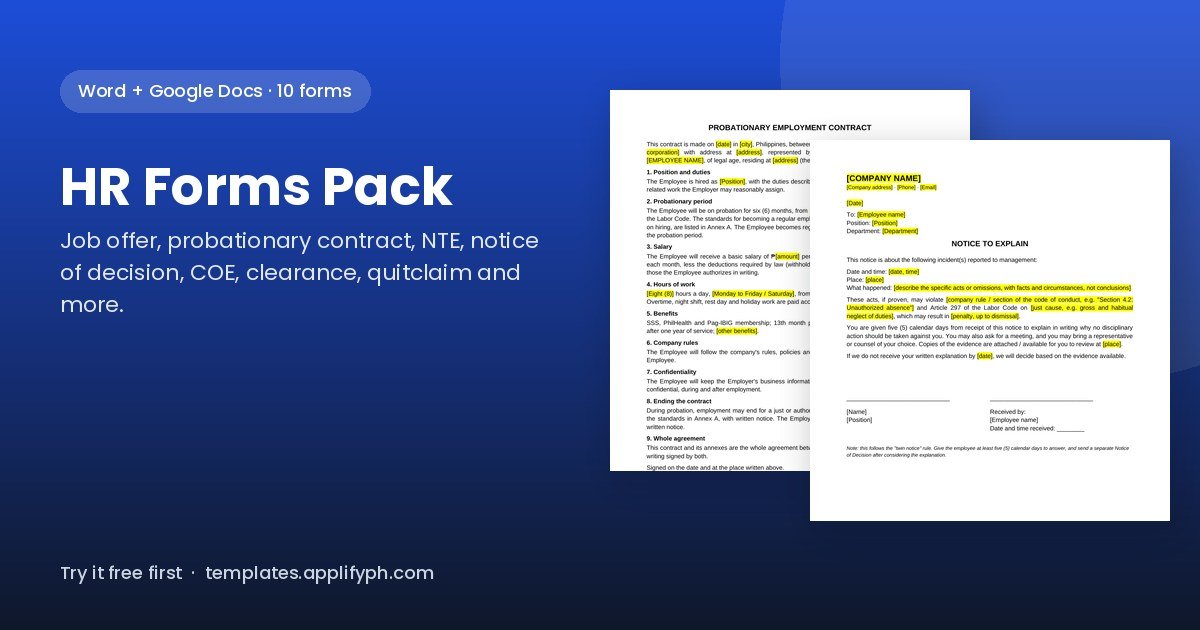
HR Forms Pack (10 forms)
Ten ready HR documents for Philippine employers: job offer, probationary contract, NTE, notice of decision, COE, clearance, quitclaim and more.
Try it free first AI Document to Excel/CSV/JSON
Extract tables, transactions and information from documents, images and PDFs into editable Excel spreadsheets using AI.
Open the tool 

Sign a PDF online, privately
Draw your signature with your finger or mouse, type it, or upload a photo of it (the white paper is removed). Then click anywhere on the PDF page to place it, as many times and on as many pages as you need, and download the signed PDF. Everything happens in your browser: the PDF and your signature are never uploaded. You can also download the signature alone as a transparent PNG.
This adds a picture of your signature. Some offices require a digital certificate signature or a wet signature instead.
